Airport Architect Fix Blocked Passengers & Path Errors
A debugging checklist for the errors every builder hits after expanding.
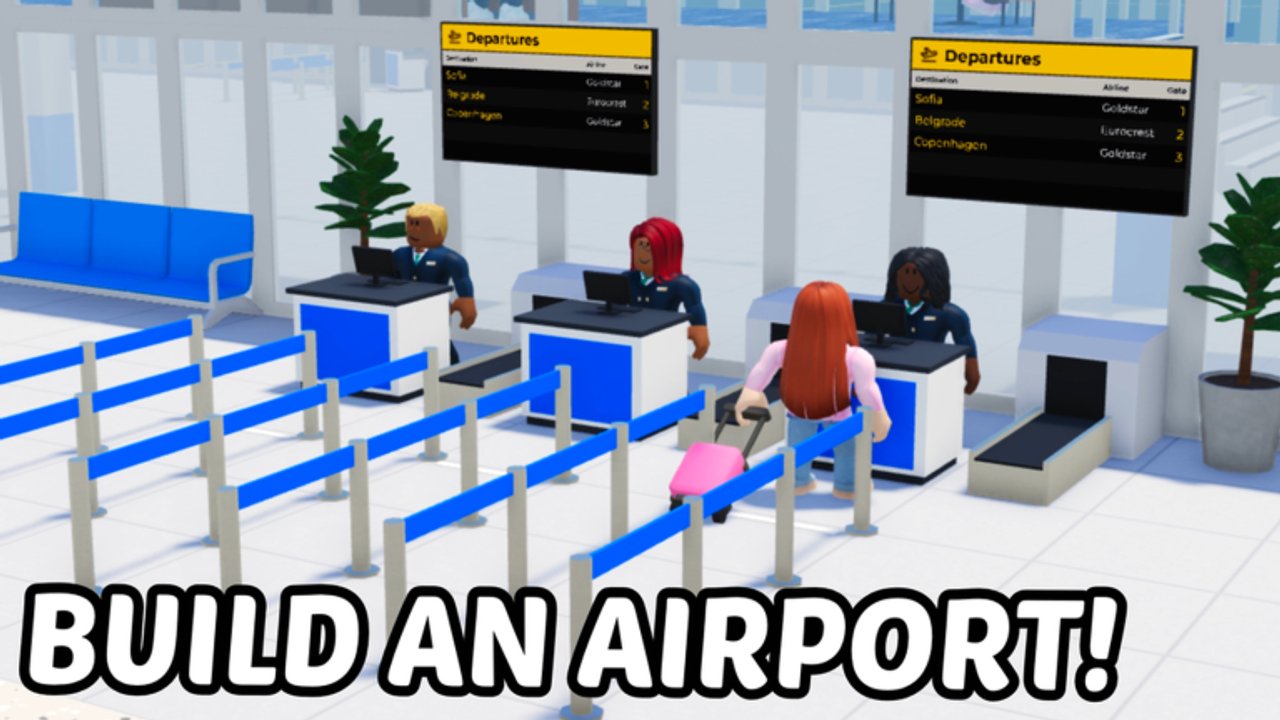
Pathfinding errors are the number one frustration in Airport Architect community threads. This page is a troubleshooting manual you can follow top to bottom until warnings clear.
Error phrases you will see
- Passengers blocked and can’t reach gates
- Passport control placed wrong direction
- Guests have to go through security (hotel)
- Guests disappear after hotel check-in
- Queues that never advance despite open desks
Debug order (do not skip)
1. Prove a single path exists
From entrance floor tiles, can you walk as a player to check-in, through security, to a gate door without jumping over props? If you cannot, NPCs cannot either.
2. Check exits, not just entrances
Naco88’s advice on disappearing hotel guests: make sure the exit of check-in is not blocked and there is a clear path to security and a gate. Desks need outbound space.
3. Fix facing
Security scanners and passport booths care about direction. Rotate 90 or 180 degrees and test one passenger. Duplicate only the orientation that works.
4. Remove decorative collisions
Plants, signs, overlapping stools, and mis-snapped wall segments create invisible traps. Delete recent props first.
5. Verify vertical links
If check-in is downstairs and gates upstairs, confirm escalators/elevators connect both floor plates. Arrivals added rideable elevators — use them intentionally.
6. Separate conflicting systems
Hotels belong before security. Arrivals should not dump into outbound security queues. Monorail stations need clear alighting corridors.
System-specific quick fixes
| System | Typical mistake | Fix guide |
|---|---|---|
| Departures | Wall after check-in | Passenger Flow |
| Hotel | Built airside | Hotel Guide |
| Arrivals | Wrong booth facing | Arrivals Guide |
| Monorail | Dead-end station | Monorail Guide |
Isolation test method
- Close extra gates so only one route runs.
- Temporarily delete nonessential props along the path.
- Run one flight.
- If success, re-add props in batches of five.
- When the error returns, the last batch contains the culprit.
Multi-floor and “realistic airport” pitfalls
Players who recreate real-world vertical separations sometimes put check-in on the ground floor and passport control upstairs without a legal NPC link, then assume the game is wrong. Airport Architect needs an explicit traversable path. Realism is optional; connectivity is mandatory.
After the path is healthy
Return to growth systems: Level Up Faster, amenities tier list, and the Layout Checklist. Beautiful terminals are welcome — after passengers can board.
If warnings persist after a full checklist, record a short clip for Discord help channels listed on the Links Hub rather than randomly rebuilding the entire map.
Camera tricks while debugging
Drop the camera to passenger height and walk the centerline of every corridor. Overhead views hide lip-height wall seams and desk overlaps. After Arrivals, ride the elevator yourself to confirm both floors connect to the intended halls.
Prop batching worksheet
Keep a mental or note-app list of the last ten props you placed. When the isolation test fails after re-adding a batch, delete those ten and place them one by one. Community rebuilds go faster with that notebook habit than with full terminal wipes.
When to ask for help
If sections 1–6 pass and a single booth still errors, capture: booth facing arrow, passenger approach direction, and the exact warning text. Post that package in Discord (Links). Do not paste unrelated script errors into the same thread.
Prevention on future expansions
Run the Layout Checklist before each plot unlock. Prevention is cheaper than archaeology inside a decorated mega hub.
Regression testing after cosmetics
Every time you place a large prop set, rerun the single-route isolation test. Cosmetics are the most common late-breaking path killers because they feel harmless.
Elevator-specific checks
Stand on both floors and confirm the elevator cabin can be boarded where passengers approach. An elevator that only looks connected in overhead view still fails section 5.
Frequently Asked Questions
Quick answers to the most common Airport Architect questions.
What is the first thing to check when passengers are blocked?
Walk the route yourself and confirm check-in has a free exit toward security and a gate.
Why does passport control say wrong direction?
Rotate the booth so passengers approach the correct face, then retest.
Hotel guests vanish — is it a bug?
Often a blocked exit. Clear the path to security and gates before assuming a soft lock.
Can overlapping floors cause path bugs?
Yes if escalators or elevators do not connect the tiles passengers must use.