Getting Started in Airport Architect
Build a working airport in your first session without stranded passengers.
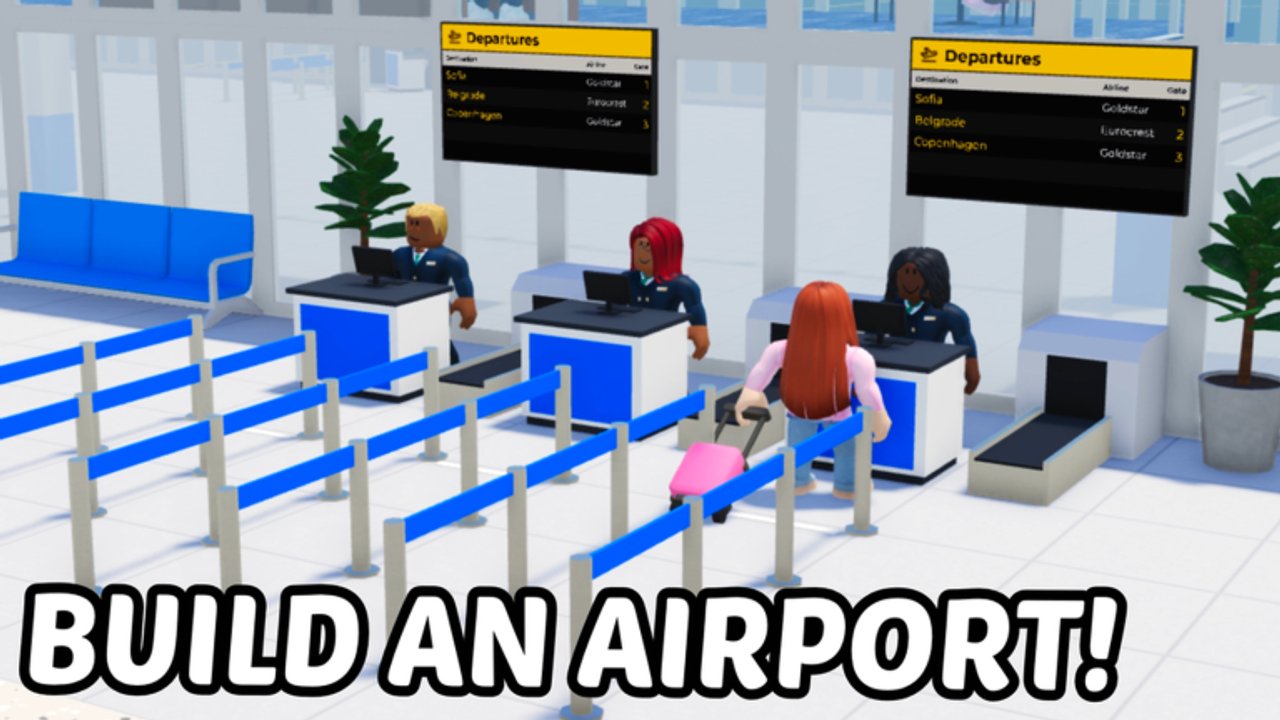
Airport Architect drops you into a sandbox airport plot with building tools closer to a creative tycoon than a button-click pad tycoon. Your first goal is not a mega hub — it is one complete passenger journey that earns money and XP every flight.
What the game is
You design floors, walls, desks, security, gates, airside pavement, and later hotels, monorails, and arrivals. Passengers spawn, path through your terminal, board, and generate progress. Planes use the runways and taxiways you draw. You can also create an airline identity and fly aircraft manually once gates are online.
First-session checklist
- Claim a clear entrance from the landside sidewalk into a lobby.
- Place at least one check-in desk with a visible exit toward security.
- Build a security lane that faces the correct travel direction.
- Connect a corridor to a gate with jetway or stairs.
- Paint enough runway and taxiway for aircraft to park and depart.
- Open your first route and watch one full passenger cycle.
If any step fails, stop decorating and open Fix Passenger Paths.
Controls and camera habits
Spend a minute learning rotate, height, and grid snap before placing a dozen desks. Most early “broken airport” screenshots are misaligned booths or walls that look fine from above but block NPC pathfinding at floor level. Orbit the camera to passenger eye height after each major segment.
Build order that actually works
1. Lobby and check-in
Keep the lobby short. Put check-in desks in a line with queue space, then a mandatory exit gap. Ticket machines and self-service options appear as you unlock more of the catalog — early on, staffed desks are enough.
2. Security
Security is the choke point. One lane is fine for the first gate; add a second lane before you open gate three. Leave space behind the scanners so passengers do not bounce between props.
3. Airside corridor and gate
After security, passengers need an unbroken floor path to a gate. Jetways look better and support smoother boarding once unlocked; stairs work for the tutorial phase. Doors should swing or slide in a way that does not trap NPCs — the Arrivals update added more door types, covered in the Arrivals Guide.
4. Runway basics
Draw a runway long enough for the starter aircraft, then taxi lines to the gate stand. You can place airside pavement on plots even while terminal unlocks are still limited, which helps you plan future expansion early.
Early economy priorities
Cash and XP come from completed passenger journeys and flights. Cosmetics such as extra roof styles can wait. Prioritize:
- Second check-in desk
- Second security lane
- Second gate / route
- Basic amenities from the amenities tier list
- Hotel desk only after the Hotel content is available — and only before security
Common beginner mistakes
- Decorating a huge shell with no functioning gate
- Placing hotel content after security (guests cannot check in correctly)
- Stacking floors without escalators or elevators connecting the path
- Facing passport or security booths the wrong way
- Blocking check-in exits with plants, signs, or overlapping desks
Watch a full beginner build
The walkthrough below shows a creator opening a first terminal, expanding facilities, flying manually, and adding amenities. Use it to visualize pacing, then return to the text checklist above.
After your first successful flight
- Read Passenger Flow for capacity planning.
- Skim Level Up Faster before buying random unlocks.
- When Hotel content is live, follow the Hotel Guide.
- When Arrivals content is live, add inbound systems with the Arrivals Guide.
- Keep Codes bookmarked for future free rewards.
A small airport that runs every five minutes beats a photogenic airport that strands fifty NPCs at a dead-end fountain.
Frequently Asked Questions
Quick answers to the most common Airport Architect questions.
What should I build first?
Entrance, check-in with a clear exit, security, then one gate connected to runway access.
Why won’t planes arrive?
Confirm runway/taxiway connectivity and that a route is opened on a working gate.
Is Airport Architect free?
Yes. It is a free-to-play Roblox experience from Naco88 / Builduxe.
How many players share a server?
Servers support up to six players, so builds are semi-social but still personal-plot focused.