Airport Architect Hotel Update Guide
Place desks and rooms correctly so guests check in, rest, and still catch their flights.
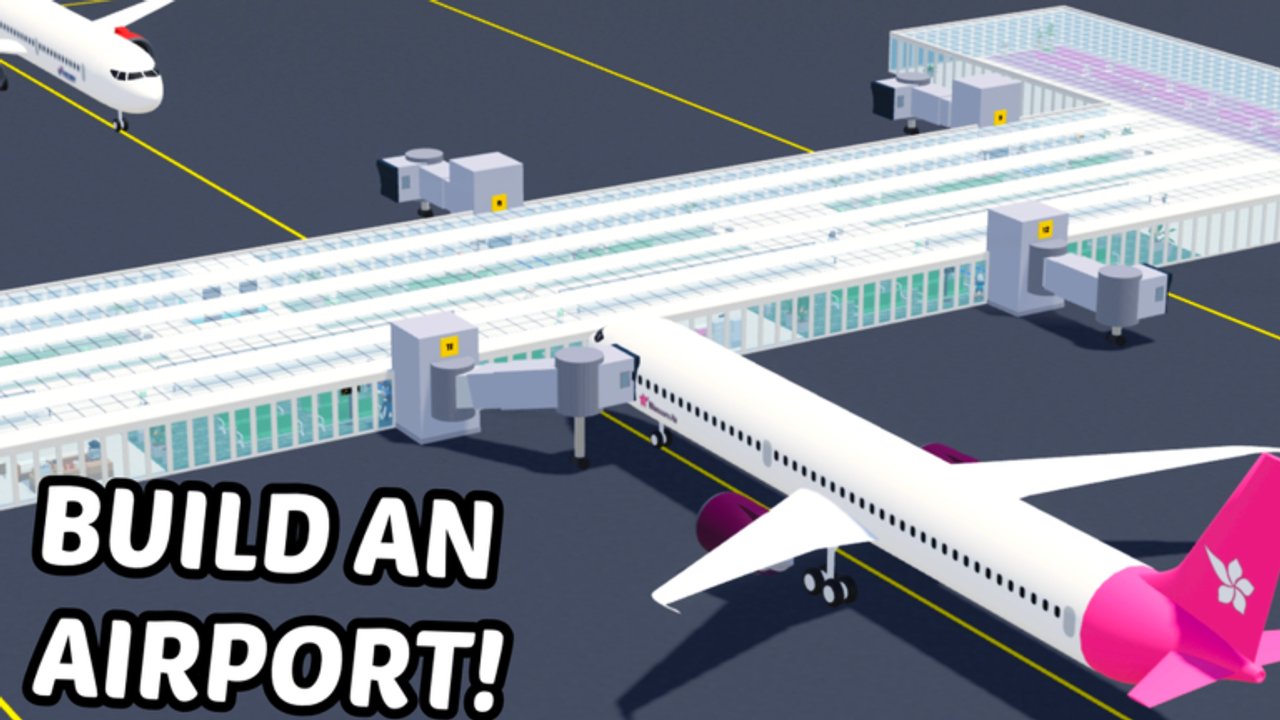
The Hotel update was Airport Architect’s first major content drop after launch. It adds overnight stays that boost income and ratings when the landside layout is correct — and creates confusing errors when it is not.
What the Hotel update adds
According to the official Naco88 notes:
- Five room unlocks: Budget, Standard, Deluxe, Suite, Presidential Suite
- Four reception desk tiers from Hotel Desk up to Grand Hotel Desk
- Guests that check in, rest, then continue toward their flight
- Recolorable rooms so hotels can match your airline branding
The golden rule from the developer
Naco88 stated clearly in community replies: hotel desks and rooms have to go before security.
If you place a hotel desk airside or force guests through security to reach a room, you will see complaints that guests must go through security, or guests may disappear when their path dies.
Recommended hotel layout
- Expand the landside lobby sideways or upward.
- Place the hotel desk so its queue does not block check-in.
- Cluster rooms behind or beside the desk with clear door access.
- Provide an exit from the hotel zone back into the check-in → security flow.
- Only then connect to security and gates.
Think of the hotel as a side quest attached to the landside, not a post-security lounge.
Room tier priorities
| Room | Role | When to buy |
|---|---|---|
| Budget | Cheap capacity | First hotel wing |
| Standard | Better ratings | After Budget fills |
| Deluxe | Mid prestige | When cash is stable |
| Suite | High value guests | Mid-game expansion |
| Presidential Suite | Showcase / top ratings | Late flex piece |
Exact pricing changes with progression, so treat the table as unlock order guidance. Detailed relative value continues on the rooms tier list.
Desk tiers
Higher desks process guests faster and support busier airports. Community builders recommend extending the hotel lobby toward the terminal so multiple desks can run in parallel without colliding with airline check-in queues.
Color and branding
Recolor rooms to match your terminal palette or airline livery. Consistency raises the “designed on purpose” feel and helps you spot incomplete wings while camera-flying the build.
Troubleshooting hotel guests
| Symptom | Likely cause | Fix |
|---|---|---|
| Guests must go through security | Hotel after security | Move desks/rooms landside |
| Guests disappear after check-in | Blocked exit from desk/room | Clear path to security and gates |
| Ratings stuck | Too few desks for demand | Add desks; upgrade tiers |
| Hotel ignored | No connection to passenger spawn/check-in | Open wall/corridor to lobby |
More general path fixes sit in Fix Passenger Paths.
Income pairing
Hotels shine when flights already run. A hotel attached to a broken gate network just stores NPCs. Verify departure flow with Passenger Flow, then layer hotel capacity.
Video walkthrough
Watch a full Hotel update session mid-article to see desk orientation, room unlock pacing, and lobby extension mistakes in real time.
Next steps after hotels
- Add inbound revenue with the Arrivals Guide
- Connect a second terminal using the Monorail Guide
- Compare amenity value on the amenities tier list
- Track patch history on the Hotel Update notes page
Soft opening plan
Open the hotel with Budget rooms only for one session. Confirm guests appear, rest, and reach security. Then unlock Standard/Deluxe. Skipping the soft open is how players “finish” a Presidential wing that never receives NPCs.
Lighting and readability
Bright desk zones help you see facing arrows and queue gaps. Dark cinematic lobbies look great in thumbnails and hide path bugs — save the mood lighting for after the checklist passes.
Frequently Asked Questions
Quick answers to the most common Airport Architect questions.
Can hotel rooms be after security?
No. Developer guidance says hotel desks and rooms must be before security.
Why do hotel guests disappear?
Usually the exit from check-in or the room path is blocked. Clear a route to security and a gate.
Which room should I unlock first?
Start with Budget for capacity, then climb tiers as cash and ratings demand more prestige.
Do hotels replace amenities?
No. Hotels add stay revenue; gate-side seating and food still help departure ratings.