Airport Architect Airport Layout Checklist
Run this list after every expansion before you celebrate the screenshot.
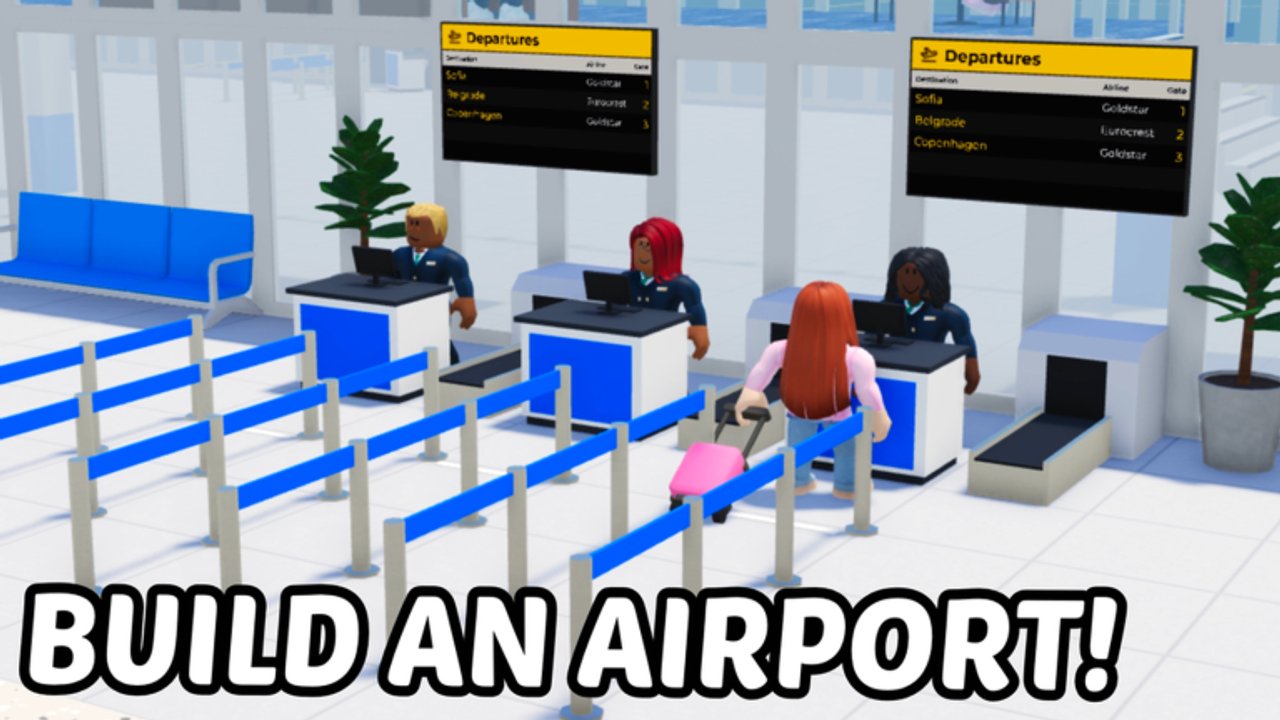
Use this checklist as a go / no-go tool. If any critical box fails, stop adding cosmetics and open the linked guide.
A. Departures path (critical)
- Pedestrian entrance reaches lobby floor
- Check-in desk has queue space
- Check-in exit is unblocked
- Security lane faces correct direction
- Continuous floor to at least one gate
- Gate connects to taxiway / stand
- Runway allows arrival and departure without gaps
Deep dive: Passenger Flow · Fix Passenger Paths
B. Capacity (high)
- Check-in desks roughly match open gates
- Security lanes match peak boarding
- Hold-room seating at each active gate
- Restrooms reachable without backtracking through security
Deep dive: Amenities Tier List · Level Up Faster
C. Hotel wing (if unlocked)
- Hotel desks before security
- Rooms before security
- Path from hotel back into check-in/security flow
- Desk tier matches room count
- Recolor pass finished for incomplete-looking wings
Deep dive: Hotel Guide · Rooms Tier List
D. Arrivals wing (if unlocked)
- Inbound door from gate/stand exists
- Passport booth facing tested with one flight
- Baggage belt sized for pier volume
- Exit to landside does not cross outbound security
- Elevators/doors do not trap NPCs
Deep dive: Arrivals Guide · Arrivals Update
E. People movers (optional)
- Both stations reachable
- Ticket booths distinguished from airline check-in
- Alighting corridor leads to gates or landside as intended
- Track does not block future hotel/atrium plans
Deep dive: Monorail Guide
F. Live test protocol
- Set only one route active.
- Watch a full passenger cycle.
- Note any warning text.
- Fix before opening more destinations.
- Screenshot the green run for Discord help baselines.
G. Pre-publish cosmetics
- New roofs applied only after path tests
- Airline livery matches terminal accent
- Signage readable at passenger camera height
- No prop clipping inside desks or belts
Score yourself
| Failed sections | Meaning |
|---|---|
| Any A item | Do not expand — fix now |
| B only | Expand processing before routes |
| C/D | System-specific remodel |
| E only | Connector polish |
| F/G only | Ready to show off |
Mega planners can continue with Mega Airport Build. Official links for help channels sit on the Links Hub.
Team or duo use
If a friend builds with you, one player reads the checklist aloud while the other walks the path in first person. Calling out “section A item 4 fail” is faster than typing essays in chat.
Versioning your checks
After Arrivals, add a note in your own doc: checklist run on date X with passport booths online. When a future patch ships, compare screenshots from that baseline.
Linking failed rows to guides
Every critical section already deep-links. Resist the urge to demolish an entire terminal because one booth faces the wrong way — rotate, retest, then continue down the list.
Red / yellow / green tagging
Mark each section red (blocked), yellow (works but ugly queues), or green (stable). Only expand routes on green A and B. Yellow C/D means remodel soon; red anywhere means stop decorating.
After-patch mandatory run
New doors, elevators, and booths from Arrivals are enough reason to run the full list even if you did not change much.
Frequently Asked Questions
Quick answers to the most common Airport Architect questions.
How often should I run the checklist?
After every major remodel, plot unlock, or patch that adds pathing objects.
What if only arrivals fail?
Leave departures online and isolate the inbound chain using section D.
Can I print this page?
Yes. Use your browser print view; checkboxes remain readable on mobile screenshots too.
Does a perfect checklist guarantee high ratings?
It guarantees path health. Ratings still need S-tier amenities and enough capacity.